 Download
Ask Sai Babar
2.1 May 25, 2026- 7.7
- 1
- 2
- 3
- 4
- 5


Gonzo Rod Applications Using a Bluetooth Remote Control
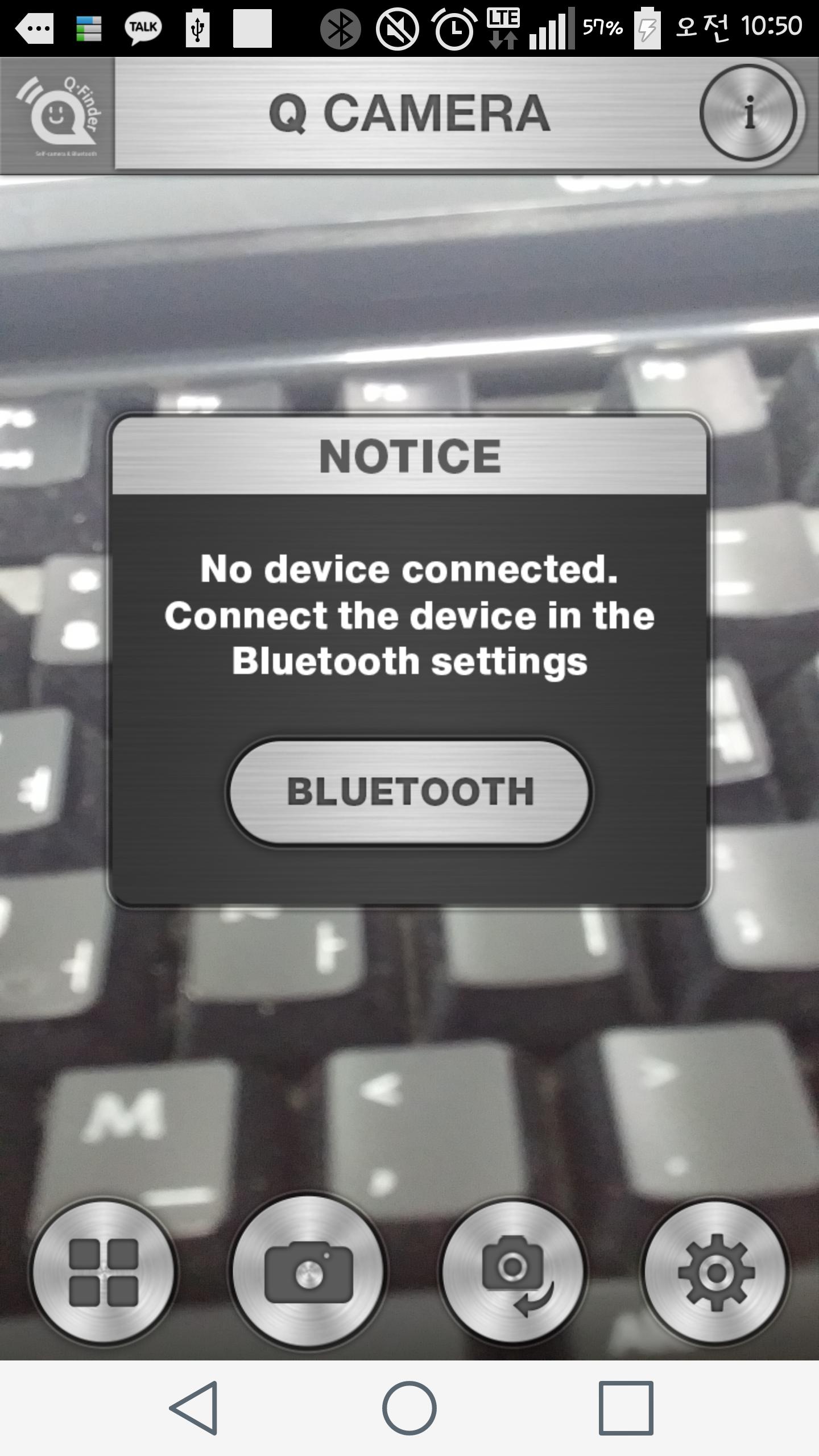
Connecting with Q-Finder
1) If you press the power button of the Q-Finder for 3 seconds, the power is turned along with the sound of '삡'.
2) Run the Q-Finder app on your smartphone.
3) Find the corresponding Q-Finder in the Bluetooth Settings menu of the Q-Finder app and press the 'Connect' button.
4) When connected, two '삡' sounds are ringing in the Q-Finder, and the Q-Finder connected to the Bluetooth Settings menu of the Q-Finder app is displayed.
5) Press the power button of the Q-Finder for 3 seconds to turn off the Q-Finder with two '삡' sounds.
6) If you replace the smartphone, press the Q-Finder "+" button for 7 seconds. The Q-Finder is reset with sound.
* You must reset it when replacing your smartphone.
Using Q-Camera
1) Press the “Q” button on the Q-Finder to take a picture.
2) You can zoom/reduce using the “+” button and the “-” button of the Q-Finder.
3) The photographs taken are stored in the gallery and can be found in the gallery menu of the Q-Finder app.
4) You can select a front camera or rear camera using the “camera” button of the Q-Finder app. In the case of a smartphone without a front camera, the button is disabled.
Q-Finder Find
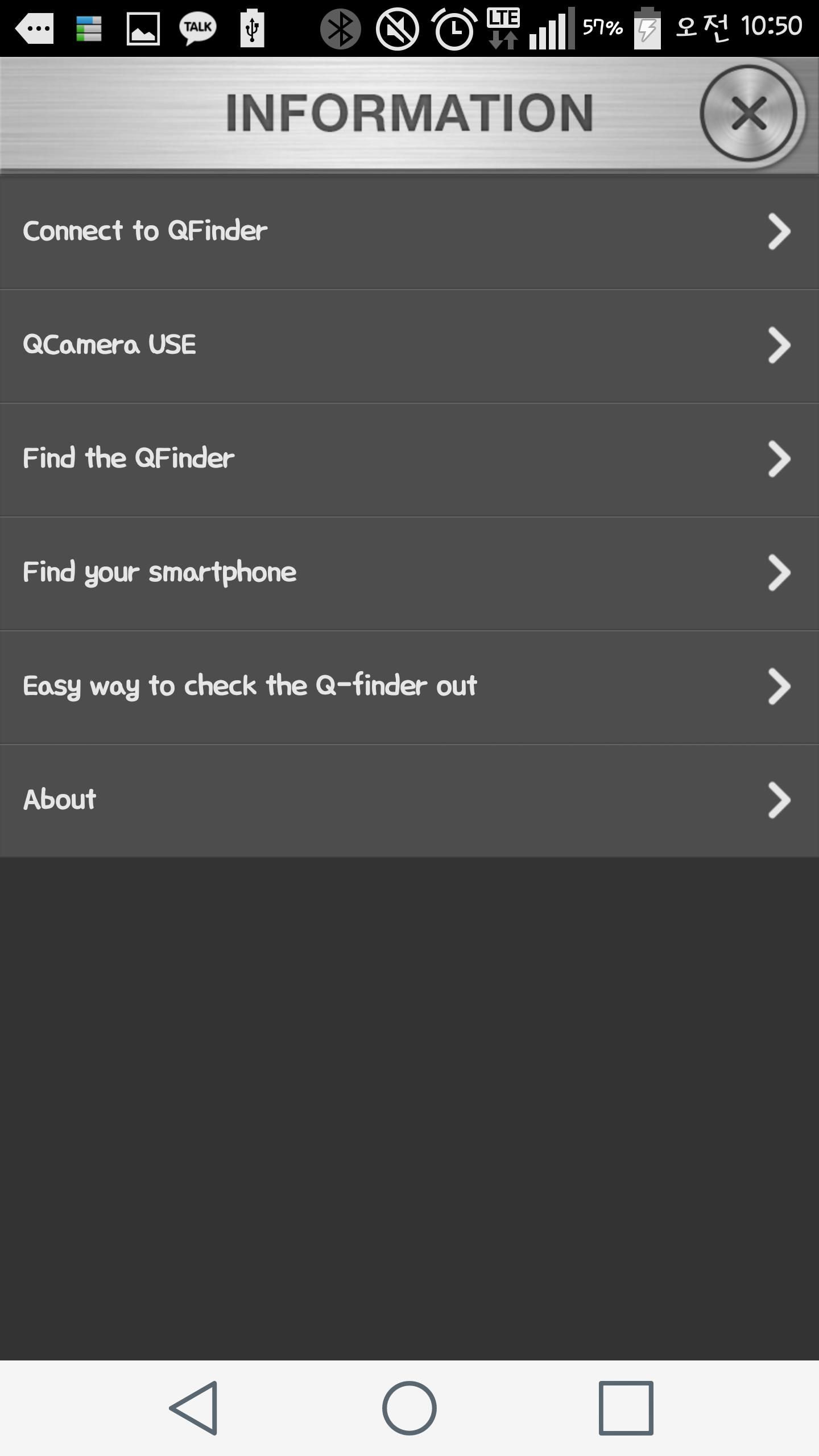
1) Enter the Q-Finder menu of the Q-Finder app.
(Settings> Q Finder)
2) Press the "FIND" button on the Q-Finder menu to make a beef sound in the Q-Finder, and press the "Stop" button to stop the beef sound.
Find a smartphone
1) Press the Q-Finder's Q button for 3 seconds to produce the specified sound or vibration on the smartphone. If you want to stop the sound, you can stop by pressing the Q button for 3 seconds.
2) Q-Finder application> Settings> Q Finder menu> “Sound” options can specify the desired sound, and you can also set the vibration function.
Smartphone / Q-Finder Setting to prevent loss of loss
1) Set ON/OFF in the Q-Finder app-Settings -Q-Finder menu.
2) If you set it to ON, if the smartphone and the Q-Finder are far away, the alarm sound specified simultaneously occurs in the Q-Finder and the smartphone. To turn off the alarm sound, press any button on the Q-Finder to exit.
3) If you want to connect to a smartphone and cupfinder again in a broken state, you can connect via the connection pop -up message.
Using Q-Video
1) Touch the shape of the menu camera at the bottom of the Q-Finder app to change to video mode.
2) You can zoom/reduce using the “+” button and the “-” button of the Q-Finder.
3) The video taken is stored in the gallery and can be found in the gallery menu of the Q-Finder app.
*caution
-Please charge when purchasing the product.
-This product can only be used for Android version 4.4 (Kit Kat) or more iPhone 4S.
-This product recommends more than 720*1280 (pixel) resolution.
-If you can't download the app on a smartphone with a lower version than the presentation.
-The charging will be fully charged in about 2 hours. If the red LED is flashing during the charging and turned into blue, it means buffer. It can be used for about 20 days in a buffered state.
















 Action
 Simulation
 RPG
RPG Sports
 Casual
 Cards
Cards Music
Music Puzzle
 Shooting
 Romance
 Business
 Social
 Lifestyle
 Shopping
 Tools
Tools Travel
 Finance
 Education
 News
News Health